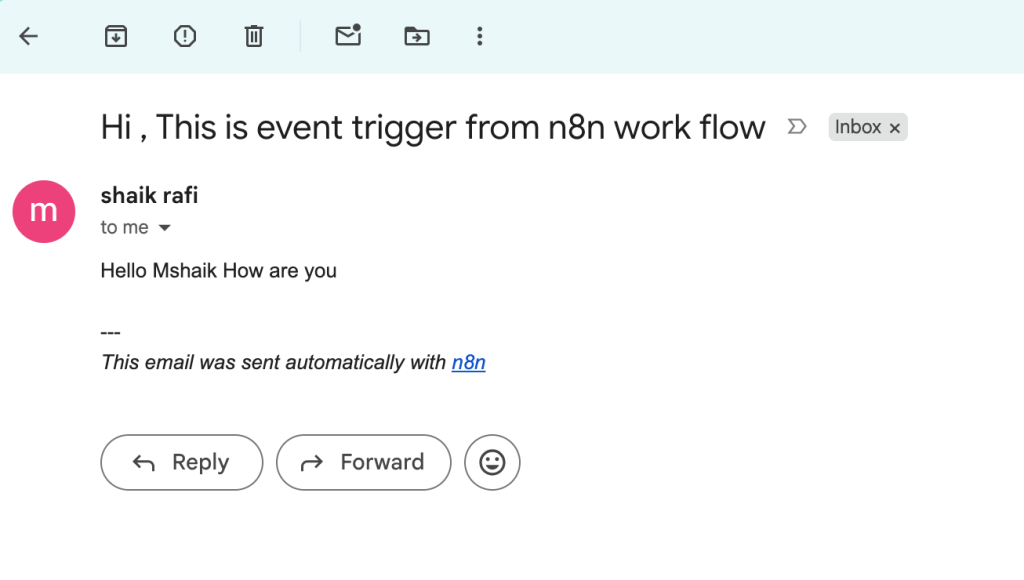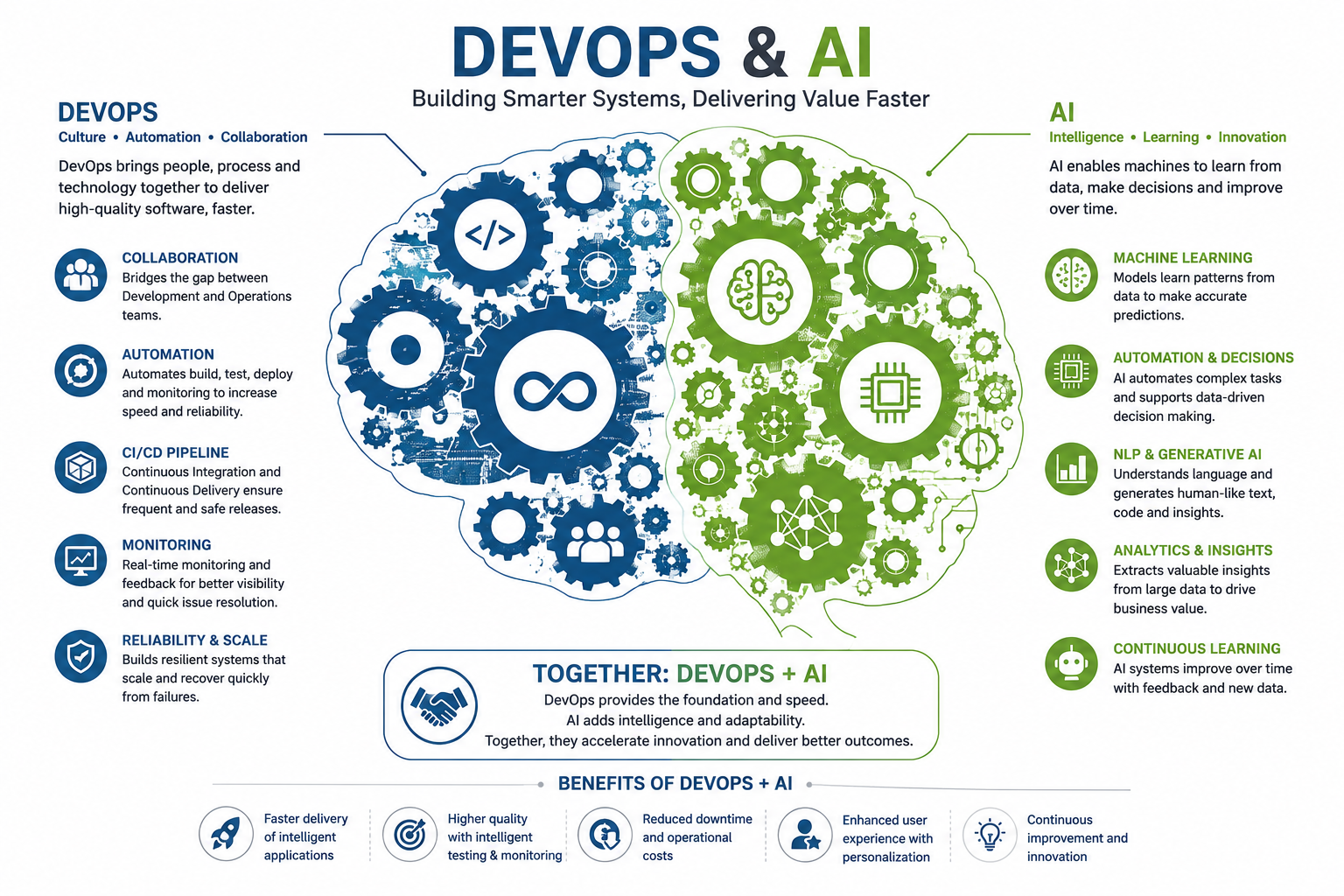

Think of n8n as a tool that tells different systems when to do something, what to do, and how to communicate with each other.
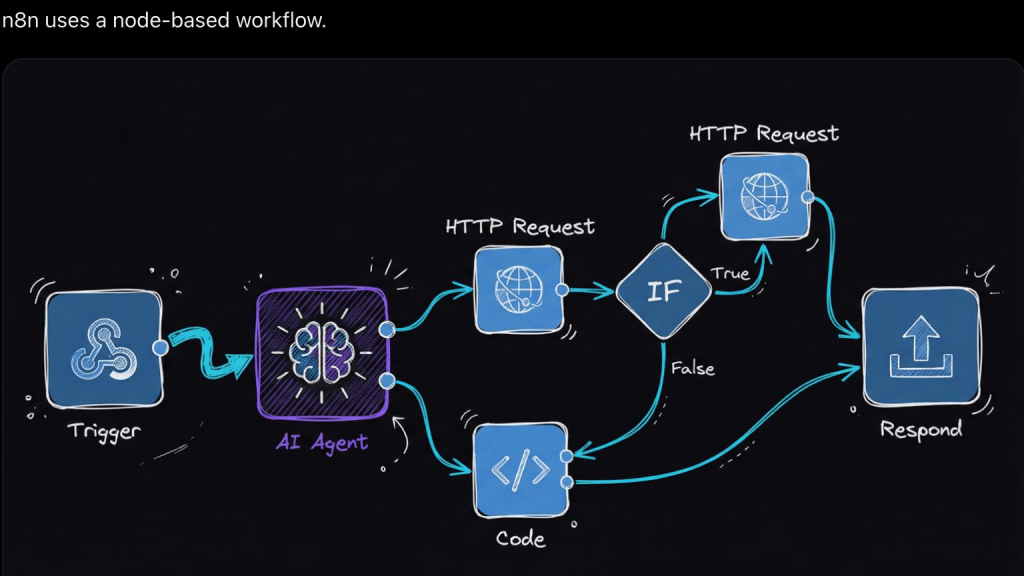
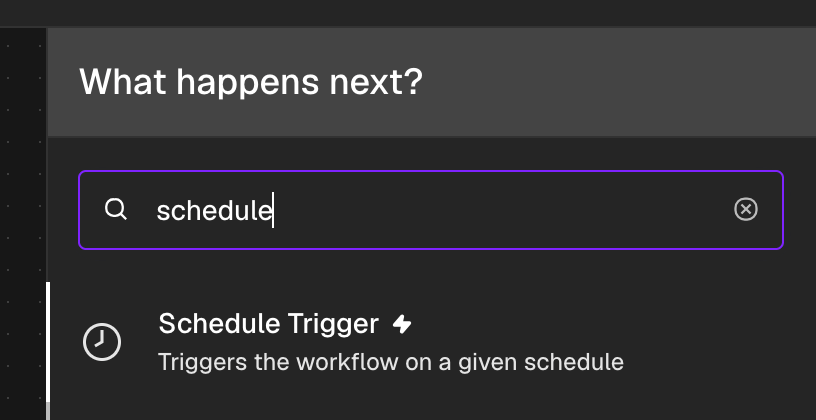
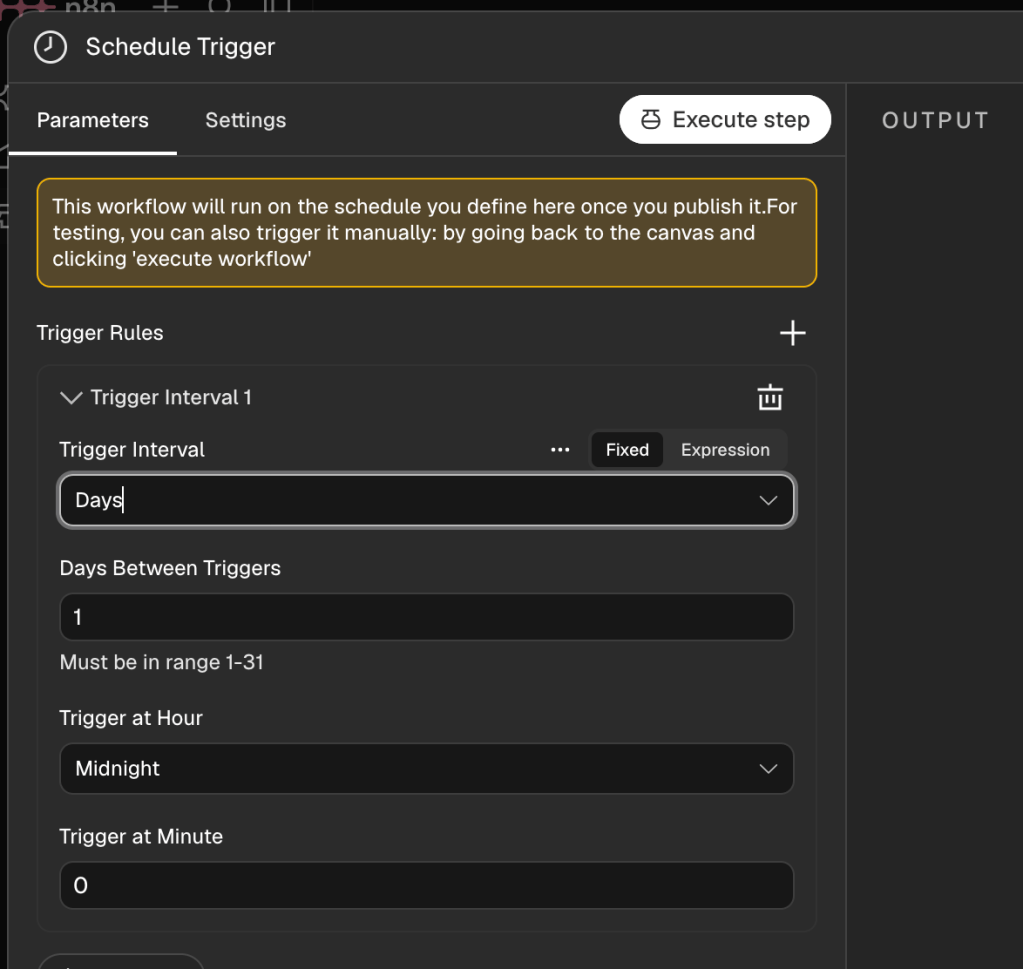
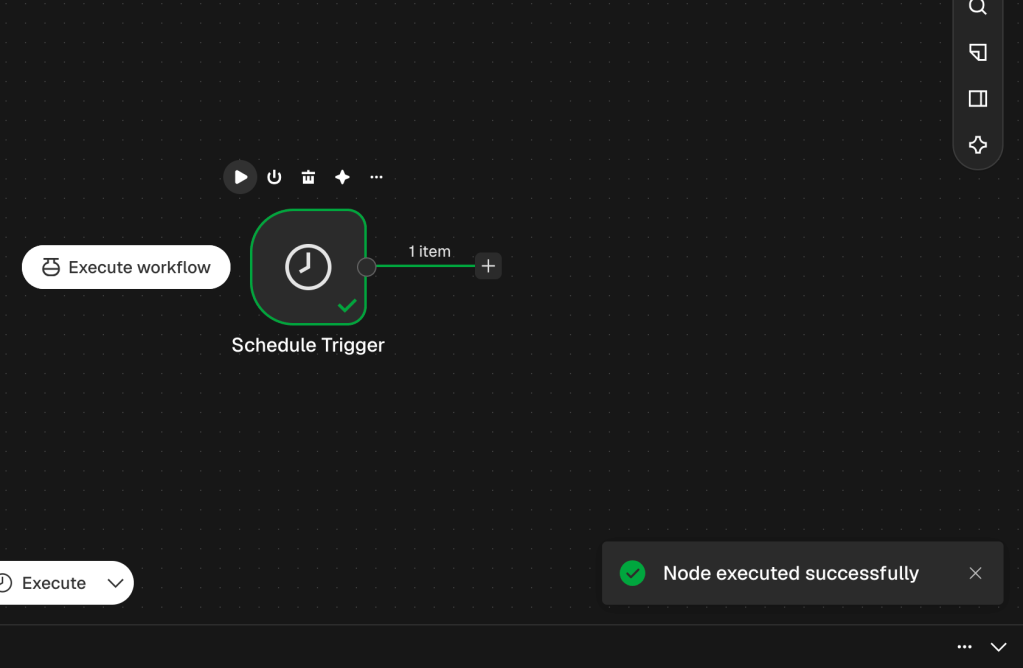
1. Schedule Trigger
Runs workflows at predefined intervals.

Examples:
- Every 5 minutes
- Every day at 9 AM
- Every Sunday
- Cron-based scheduling
  Very commonly used


2. Webhook Trigger
Starts a workflow when an HTTP request arrives.

Examples:
- Receive monitoring alerts
- Trigger a deployment
- Receive chatbot requests
- Integrate external applications
  Very commonly used


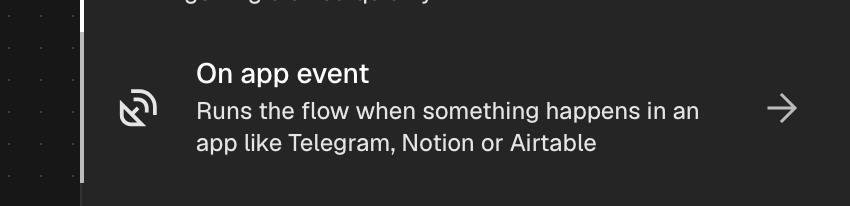
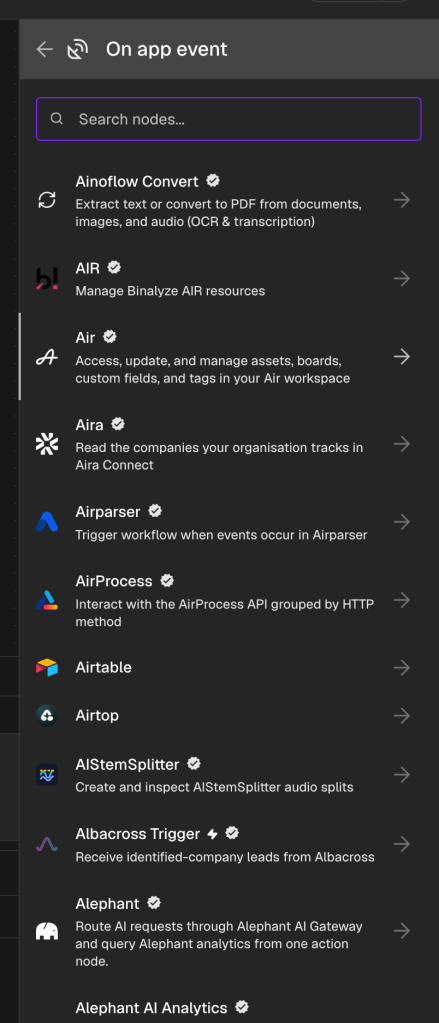
3. Application Event Triggers
Start workflows when something happens in another application.

Examples:
- GitHub: New commit or pull request
- Jira: Issue created
- Slack: New message
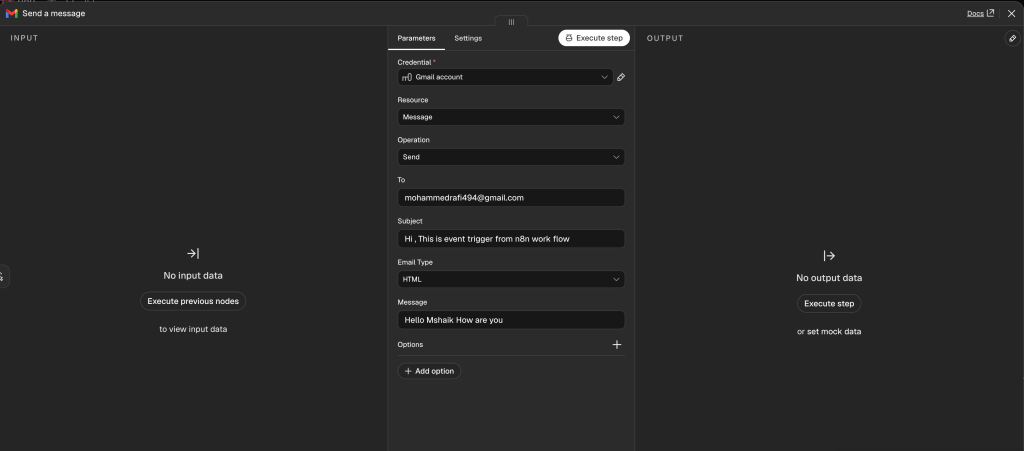
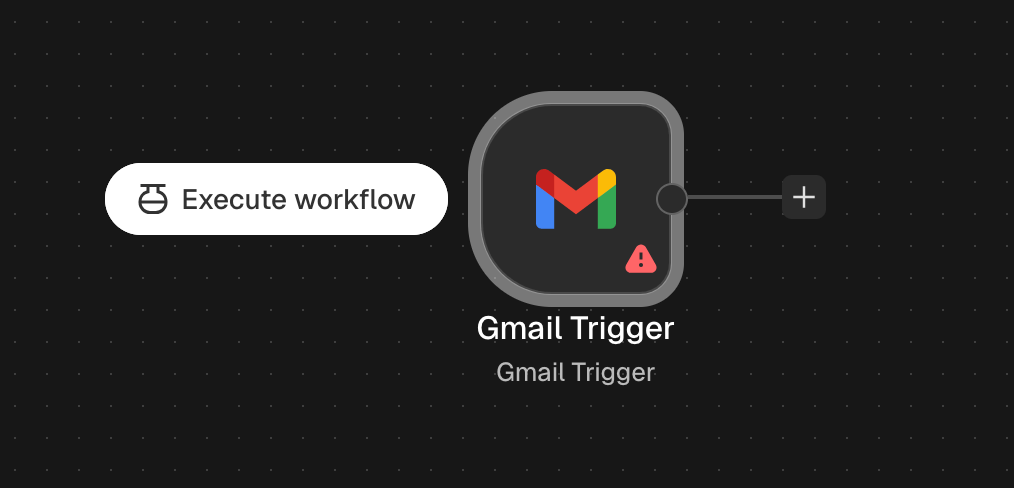
- Gmail: New email
- ServiceNow: Incident created


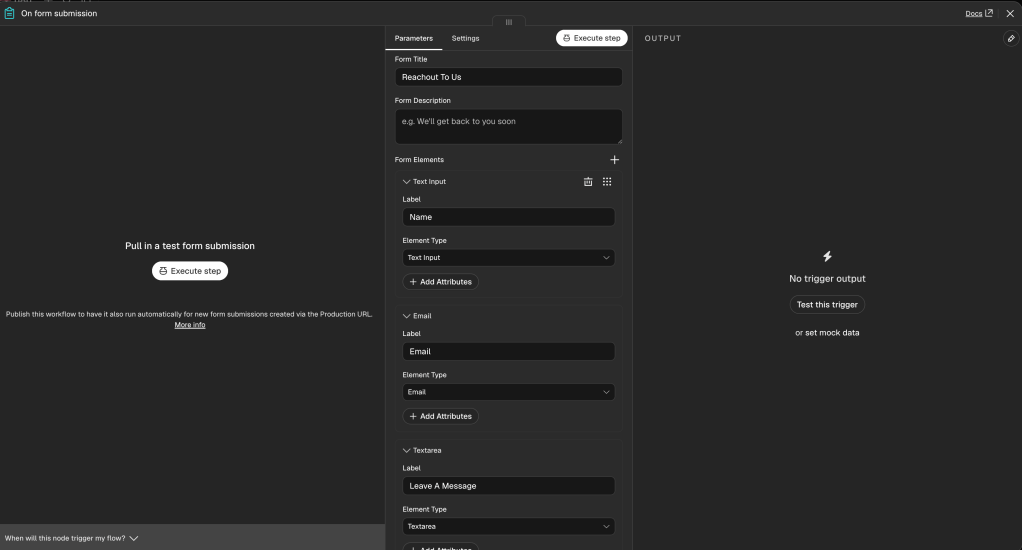
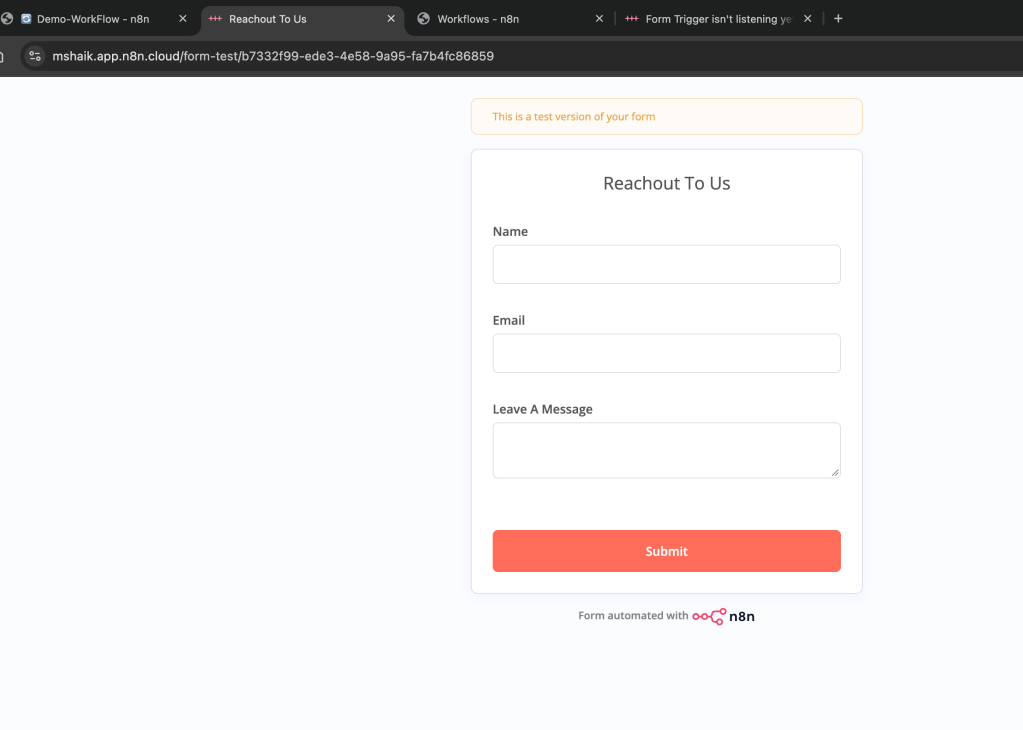
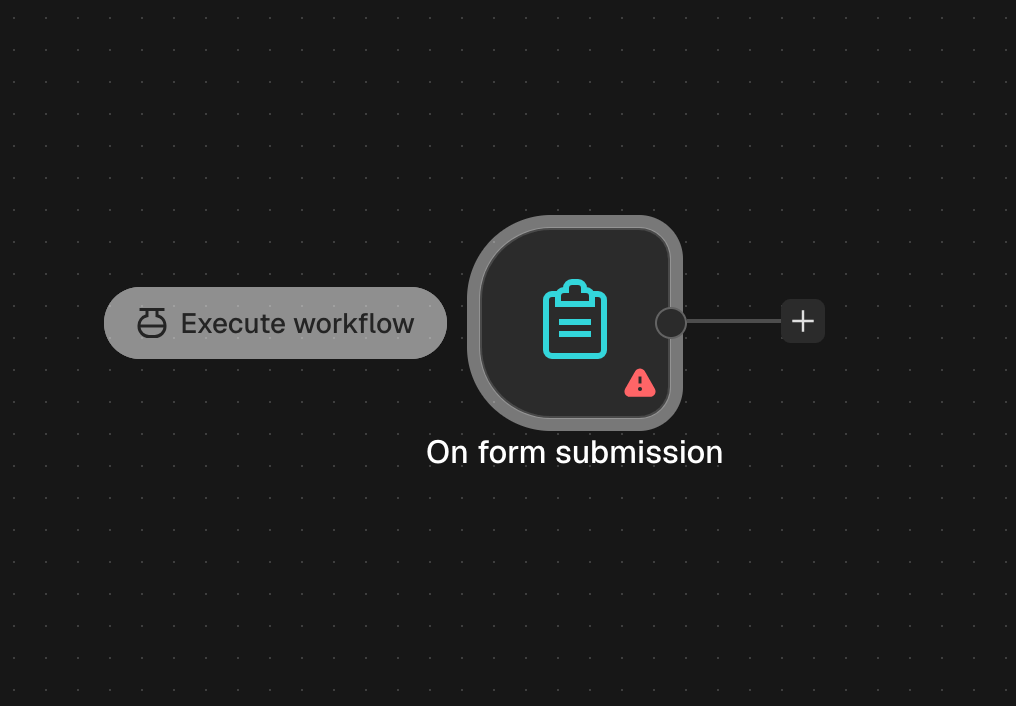
4. Form Trigger
Starts a workflow when someone submits a form.

Examples:
- Server access request
- Infrastructure provisioning request
- IT support request


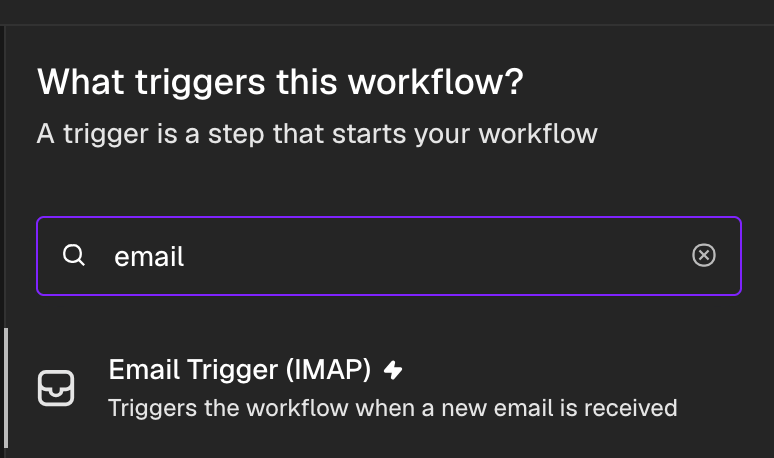
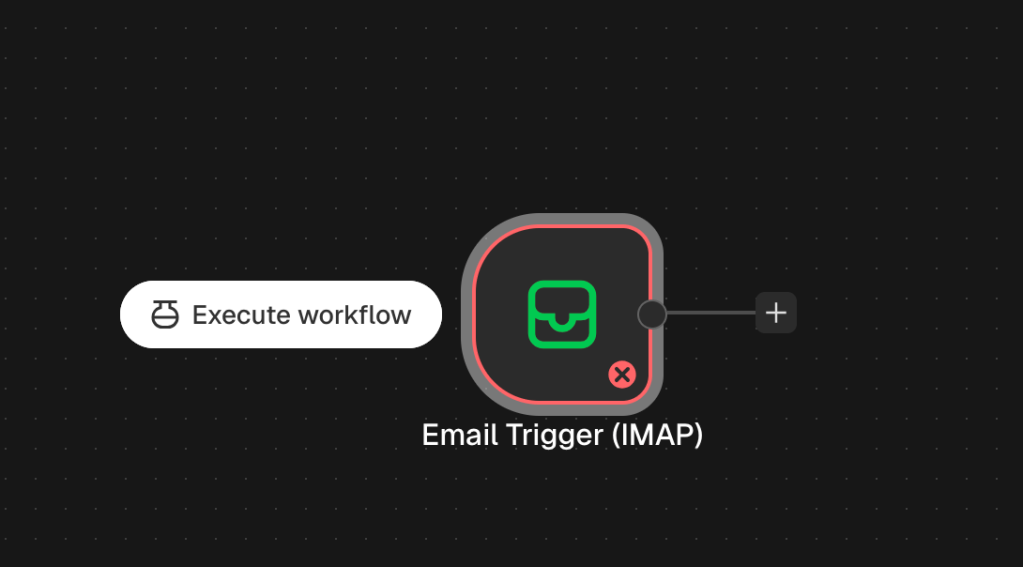
5. Email Trigger
Starts workflows when emails arrive.

Examples:
- Process support tickets
- Read monitoring notifications
- Extract attachments
- Automatically categorize emails


6. Error Trigger
Executes a separate workflow when another workflow fails.

Examples:
- Send failure notifications
- Log workflow errors
- Notify DevOps engineers


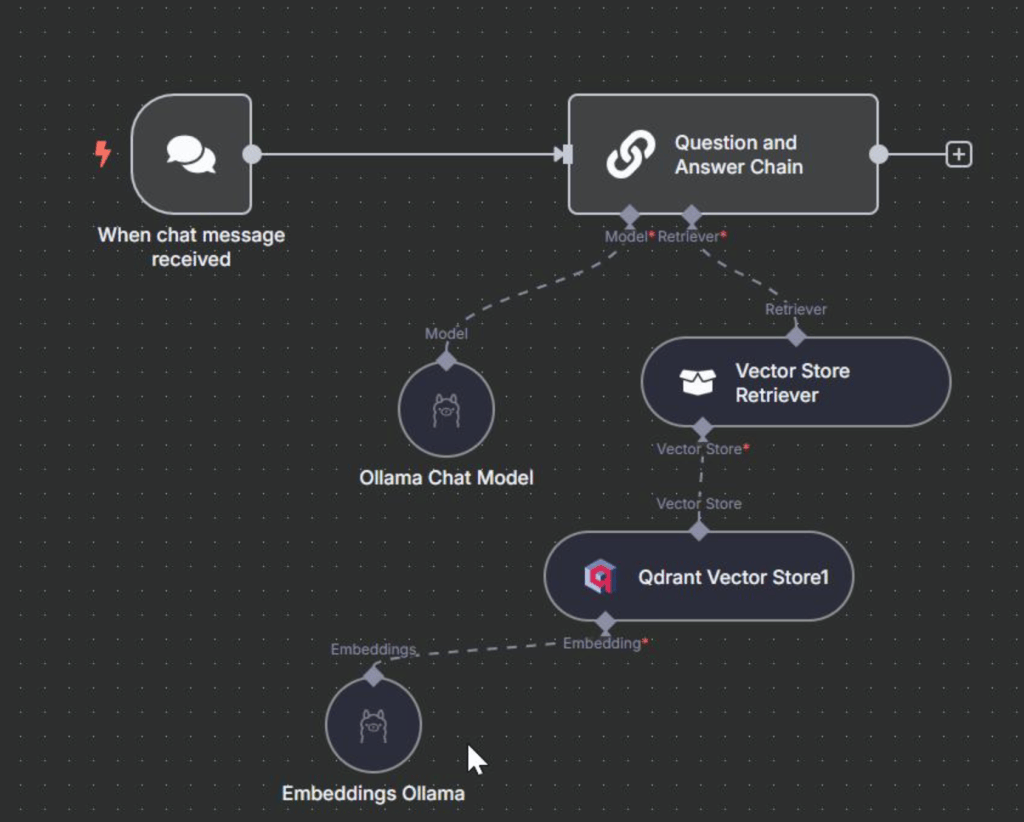
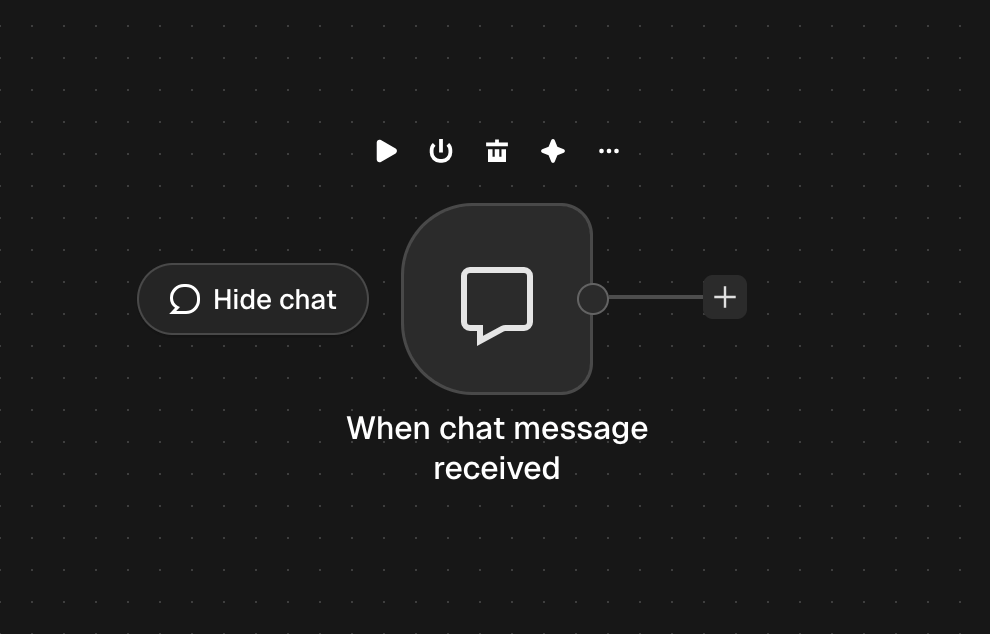
7. Chat Trigger
Starts an AI workflow when a user sends a chat message.

Examples:
- Internal AI assistant
- Confluence chatbot
- DevOps troubleshooting assistant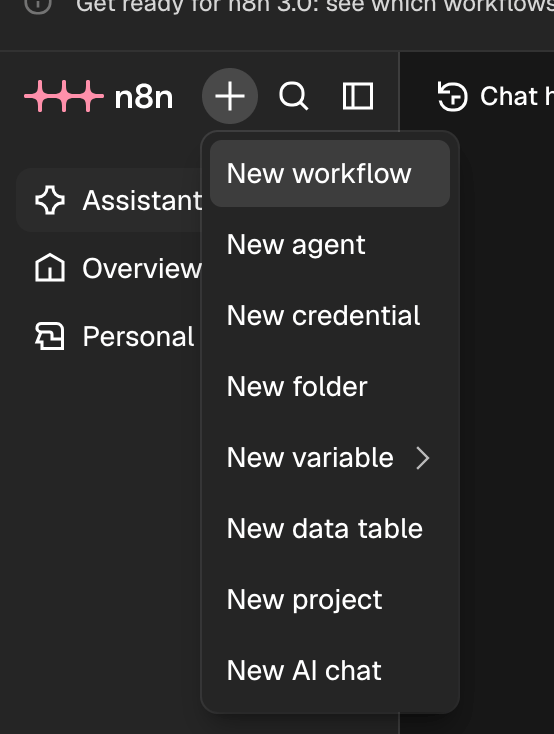
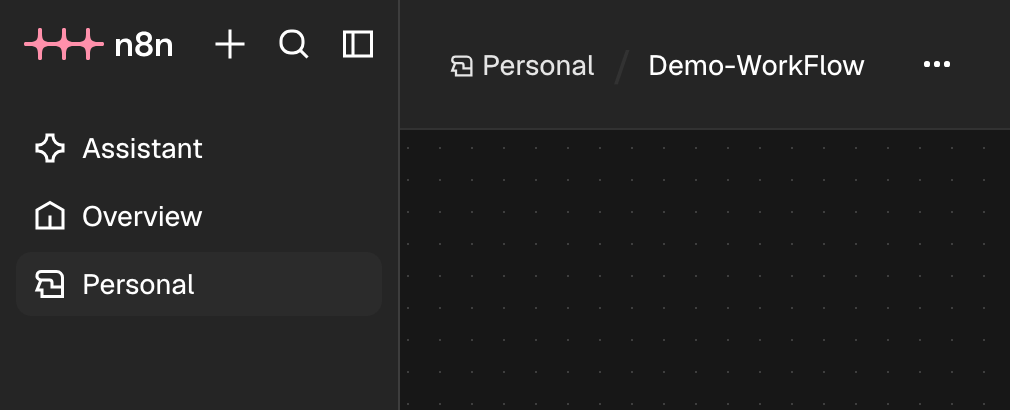
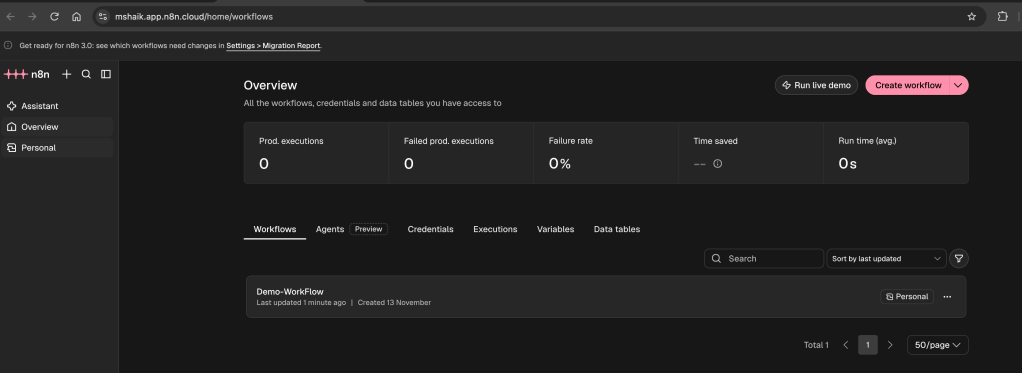
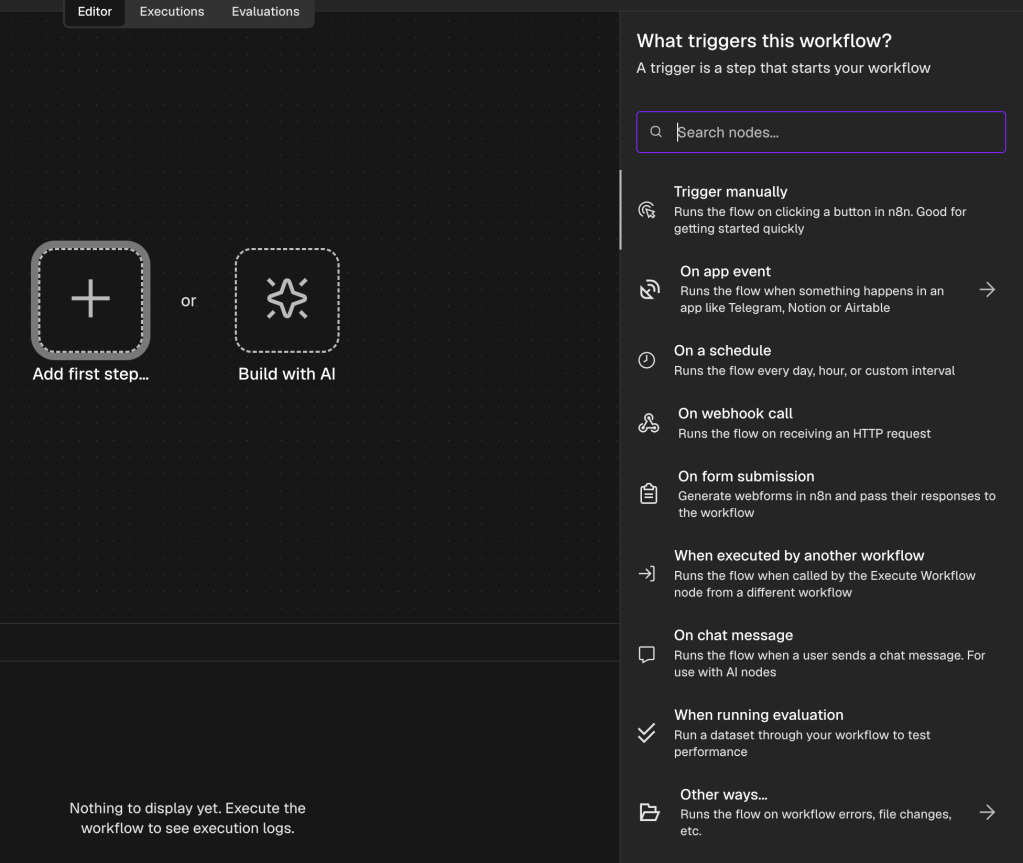
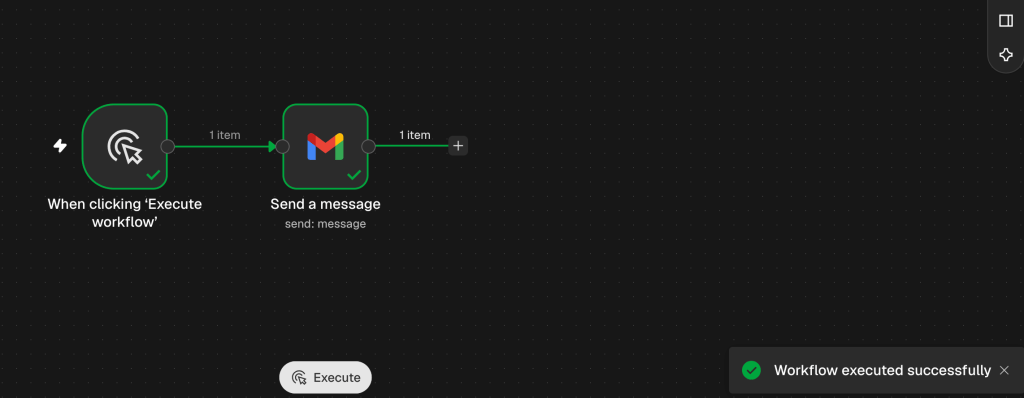
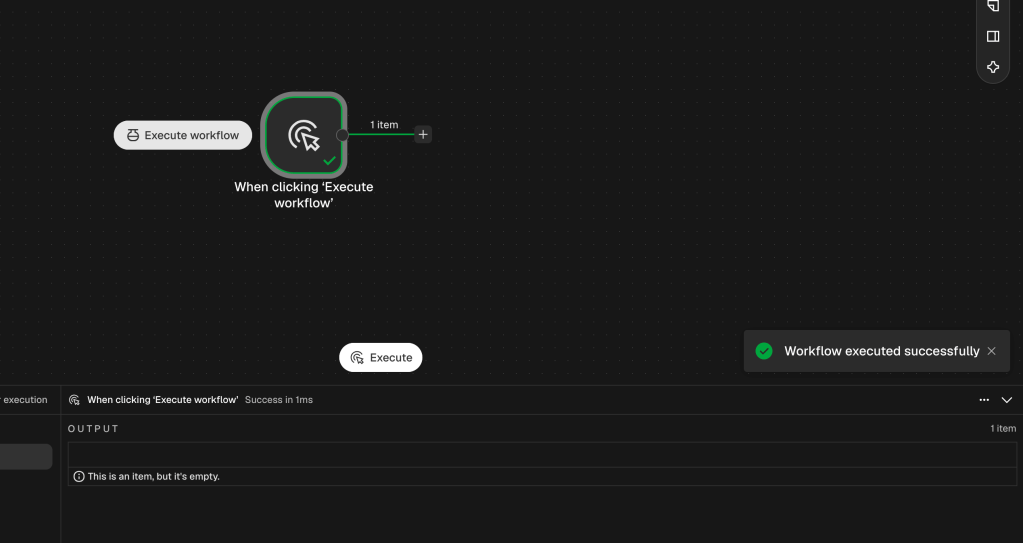
Manual Trigger
Schedule trigger
Form Trigger
Chat Trigger
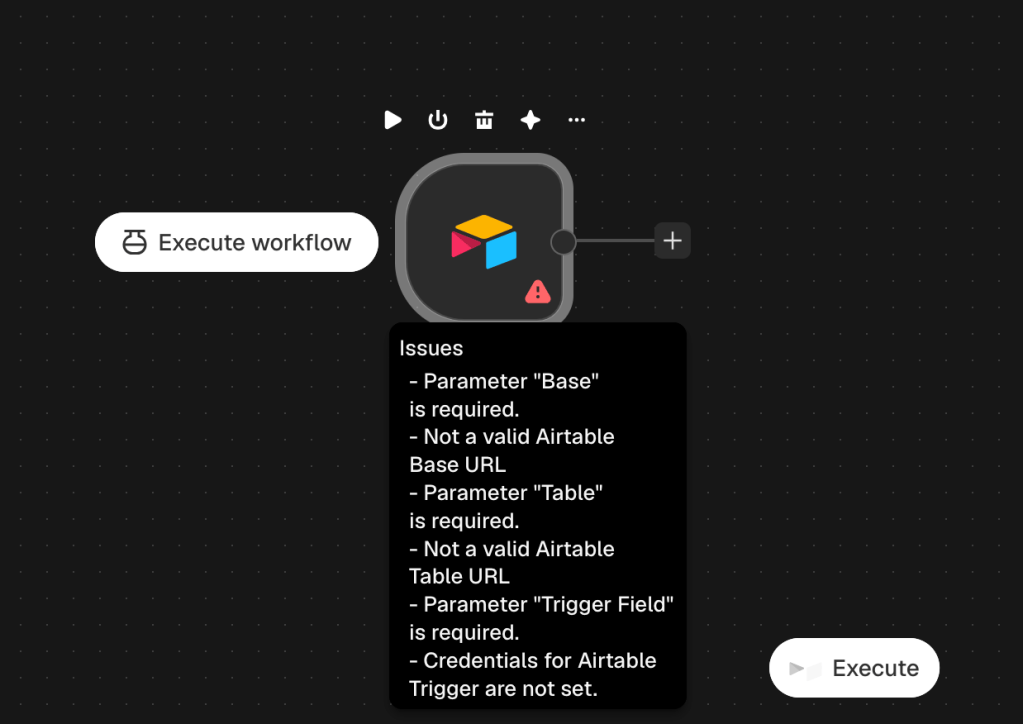
App event Trigger
Example Form Trigger