

How Chat Applications Work
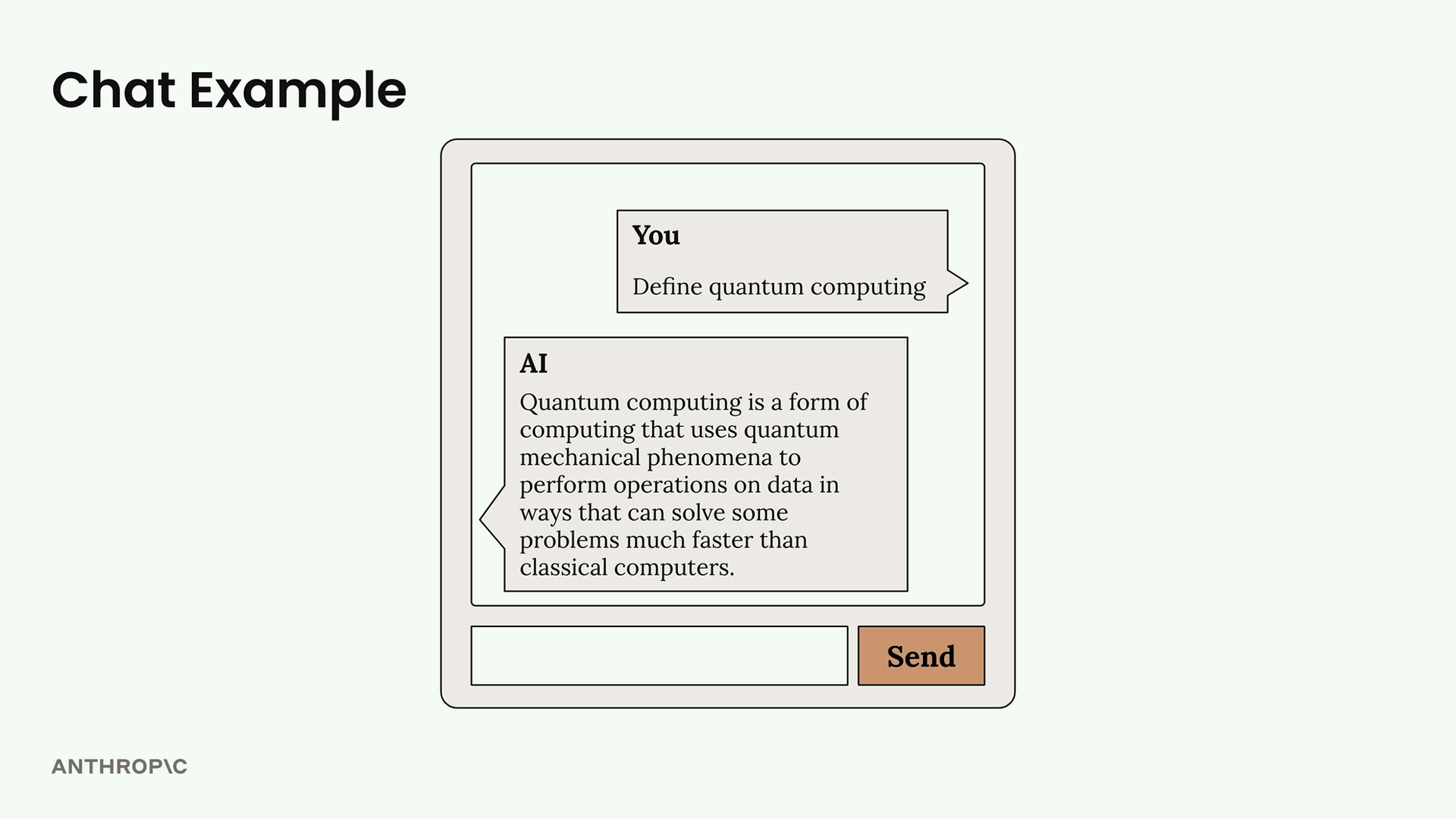
Imagine you’re building a web app with a simple chat interface. A user types “Define quantum computing” and clicks send. Here’s what actually happens:
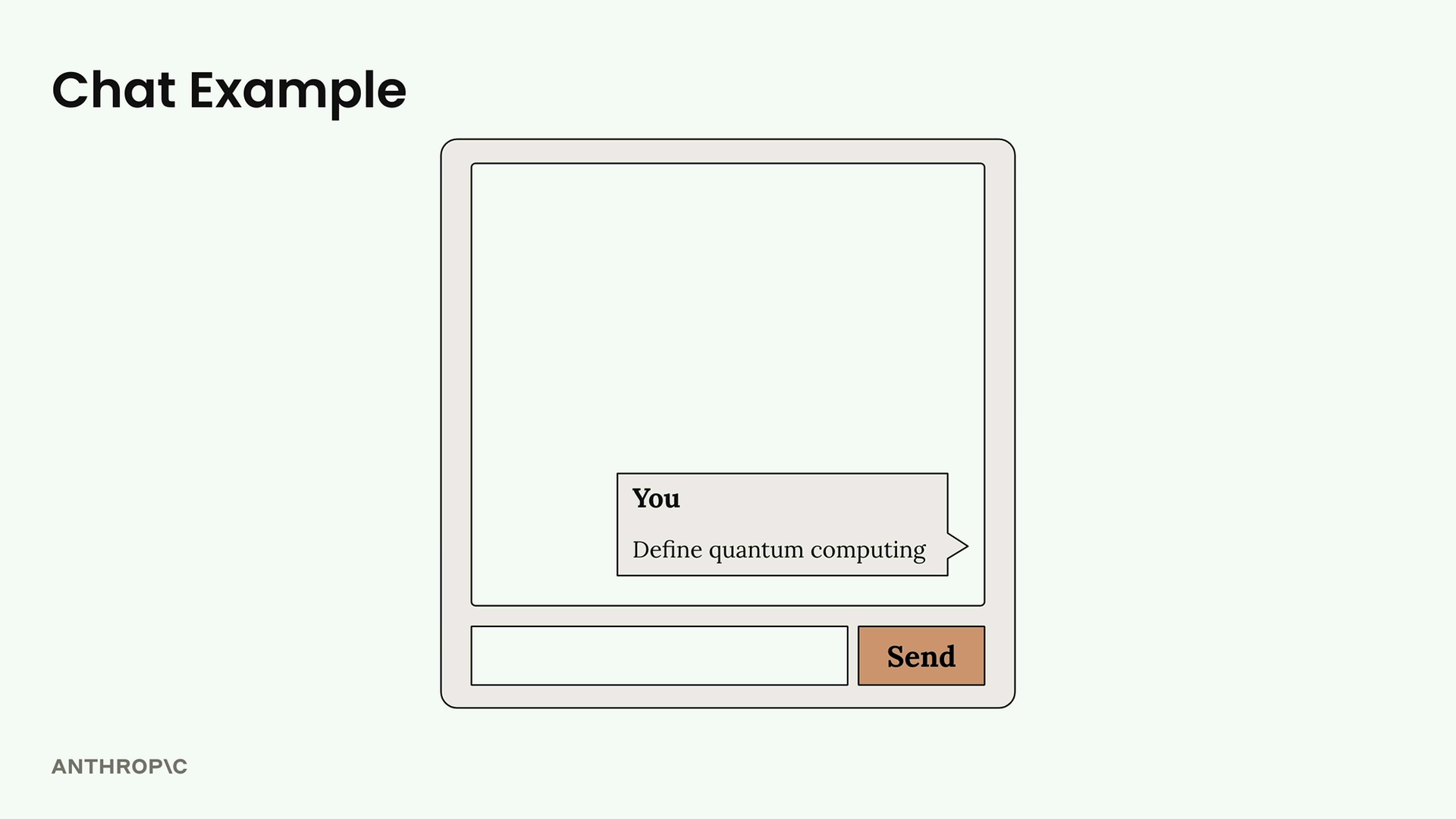
The user sees a clean interface, but there’s a whole system working behind the scenes to generate that response.
The Request Flow
When a user submits text, here’s the journey that message takes:
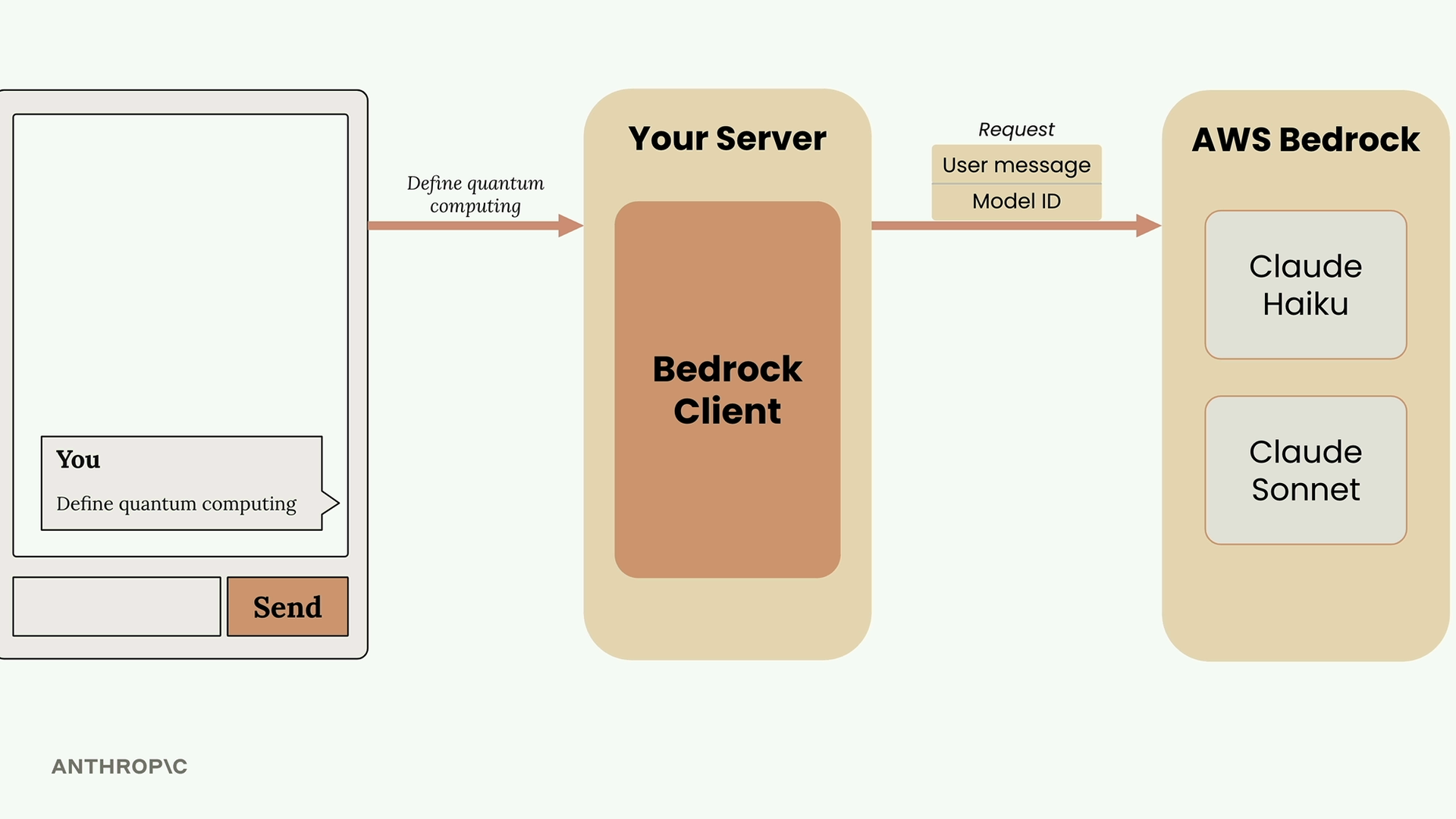
- User submits their message through your web interface
- Your server receives the request containing that text
- Your server uses the Bedrock client to make a request to AWS Bedrock
- The request includes the user message and a model ID (like Claude Haiku or Claude Sonnet)
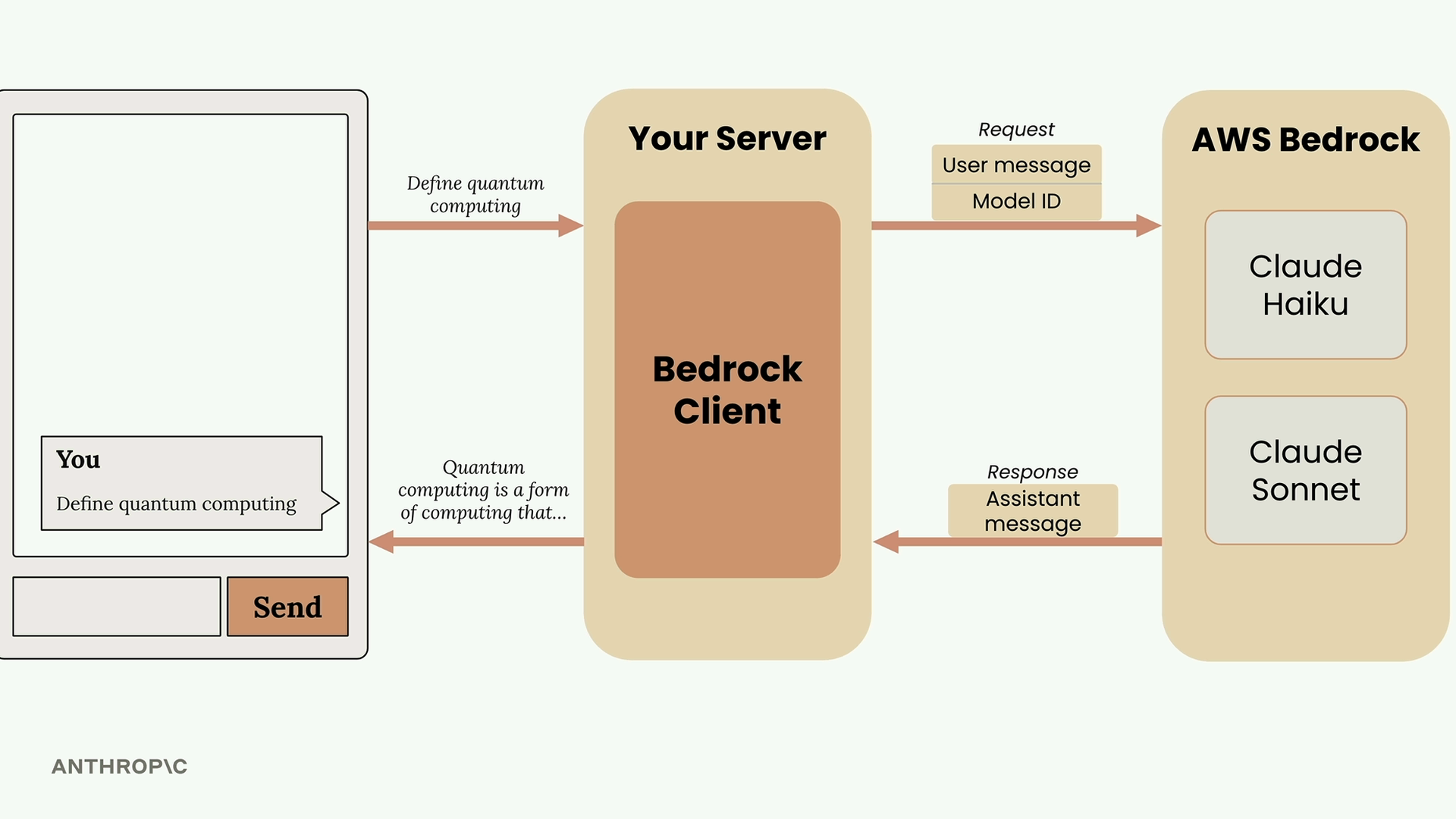
- The chosen model processes the request and generates text
- AWS Bedrock sends back an assistant message containing the generated response
- Your server forwards this response back to the user’s browser


import boto3client = boto3.client("bedrock-runtime", region_name="us-west-2")model_id = "us.anthropic.claude-sonnet-4-20250514-v1:0"def add_user_message(messages, text): user_message = {"role": "user", "content": [{"text": text}]} messages.append(user_message)def add_assistant_message(messages, text): assistant_message = {"role": "assistant", "content": [{"text": text}]} messages.append(assistant_message)def chat(messages): response = client.converse(modelId=model_id, messages=messages) return response["output"]["message"]["content"][0]["text"]# Make a starting list of messagesmessages = []# Add in the initial user question of "whats 1+1?"add_user_message(messages, "Whats 1+1?")# Pass the list of messages into chat to get an answeranswer = chat(messages)# Take the answer and add it as an assistant message into our listadd_assistant_message(messages, answer)# Add in the user's followup questionadd_user_message(messages, "And 3 more added to that?")# Call chat again with the list of messages to get a final answeranswer = chat(messages)answer# Make an initial list of messagesmessages = []# Use a 'while True' loop to run the chatbot foreverwhile True: # Get user input user_input = input("> ") print(f"> {user_input}") # Add user's input to list of messages add_user_message(messages, user_input) # Send list of messages to the API text = chat(messages) # Add generated text to list of messages add_assistant_message(messages, text) # Print the generated text print(text)
Multi-Turn conversations

How data is Streaming

Controlling model output


Prompt evaluation


