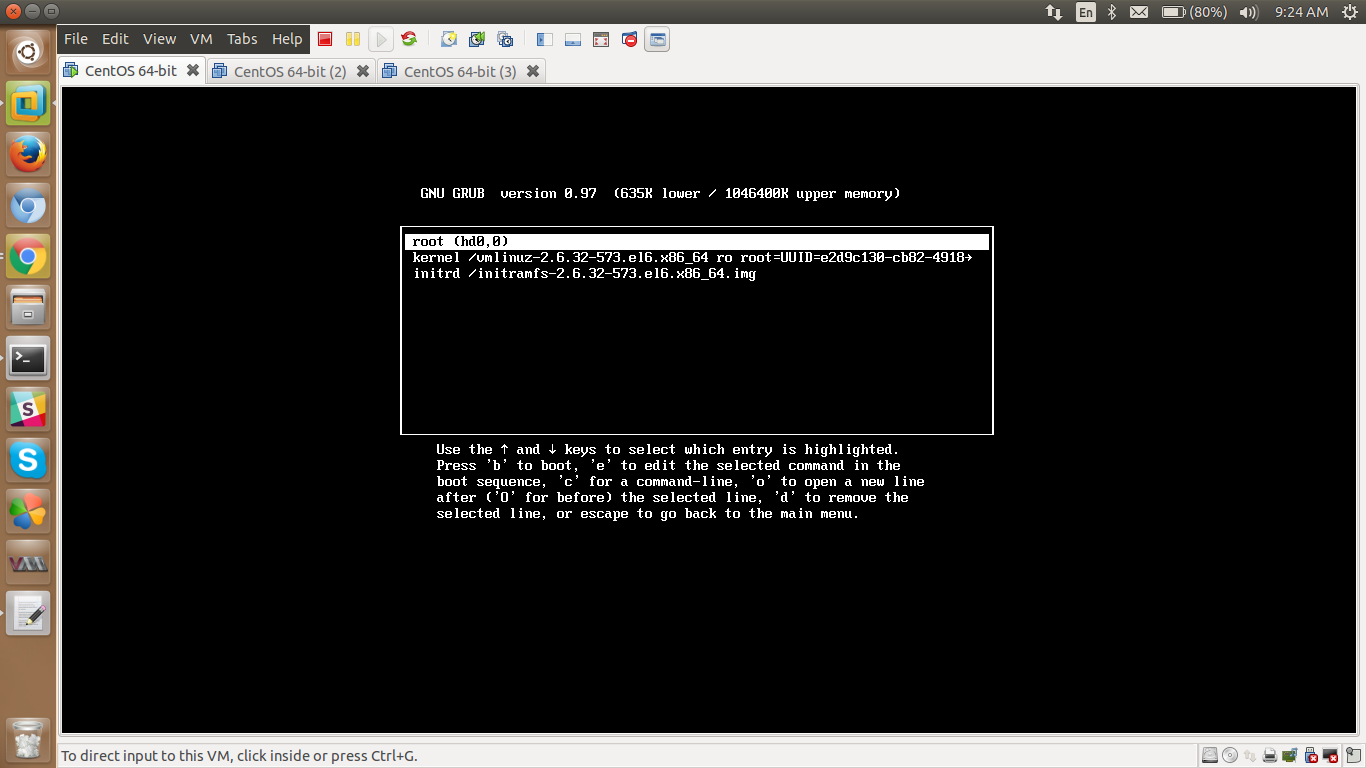
How to Protect GRUB with Password
[root@localhost ~]# grub-md5-crypt
Password:
Retype password:
$1$/98ml$JGwe1sR.R9o37DoFIMwHP0
Step 2: Now you need to open the /boot/grub/menu.lst or /boot/grub/grub.conf file and add the MD5 password. Both files are same and symbolic link to each other.
[root@localhost ~]# cat /boot/grub/grub.conf
# grub.conf generated by anaconda
#
# Note that you do not have to rerun grub after making changes to this file
# NOTICE: You have a /boot partition. This means that
# all kernel and initrd paths are relative to /boot/, eg.
# root (hd0,0)
# kernel /vmlinuz-version ro root=/dev/sda2
# initrd /initrd-[generic-]version.img
#boot=/dev/sda
default=0
timeout=5
splashimage=(hd0,0)/grub/splash.xpm.gz
hiddenmenu
title CentOS 6 (2.6.32-573.el6.x86_64)
root (hd0,0)
kernel /vmlinuz-2.6.32-573.el6.x86_64 ro root=UUID=e2d9c130-cb82-4918-abdb-bd5df9d5f8b4 rd_NO_LUKS rd_NO_LVM LANG=en_US.UTF-8 rd_NO_MD SYSFONT=latarcyrheb-sun16 crashkernel=auto KEYBOARDTYPE=pc KEYTABLE=us rd_NO_DM rhgb quiet
initrd /initramfs-2.6.32-573.el6.x86_64.img
[root@localhost ~]# vim /boot/grub/grub.conf
STEP 3: Add the newly created MD5 password in GRUB configuration file. Please paste copied password below timeout line and save it and exit. For example, Enter the line password –md5 <add the copied md5 string from step 1> above.
[root@localhost ~]# cat /boot/grub/grub.conf
# grub.conf generated by anaconda
#
# Note that you do not have to rerun grub after making changes to this file
# NOTICE: You have a /boot partition. This means that
# all kernel and initrd paths are relative to /boot/, eg.
# root (hd0,0)
# kernel /vmlinuz-version ro root=/dev/sda2
# initrd /initrd-[generic-]version.img
#boot=/dev/sda
default=0
timeout=5
password –md5 $1$/98ml$JGwe1sR.R9o37DoFIMwHP0
splashimage=(hd0,0)/grub/splash.xpm.gz
hiddenmenu
title CentOS 6 (2.6.32-573.el6.x86_64)
root (hd0,0)
kernel /vmlinuz-2.6.32-573.el6.x86_64 ro root=UUID=e2d9c130-cb82-4918-abdb-bd5df9d5f8b4 rd_NO_LUKS rd_NO_LVM LANG=en_US.UTF-8 rd_NO_MD SYSFONT=latarcyrheb-sun16 crashkernel=auto KEYBOARDTYPE=pc KEYTABLE=us rd_NO_DM rhgb quiet
initrd /initramfs-2.6.32-573.el6.x86_64.img
[root@localhost ~]#
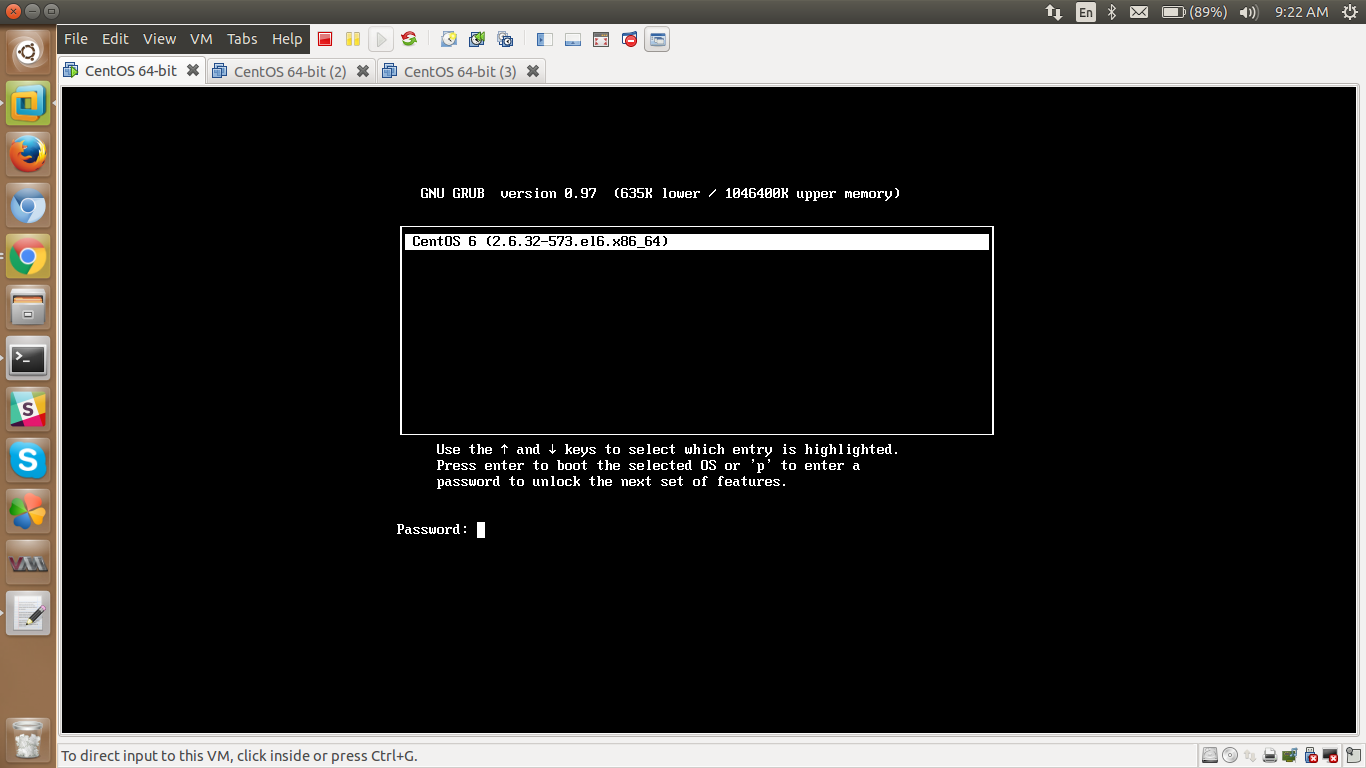
STEP 4: Reboot system and try it pressing ‘p‘ to enter password to unlock and enable next features.
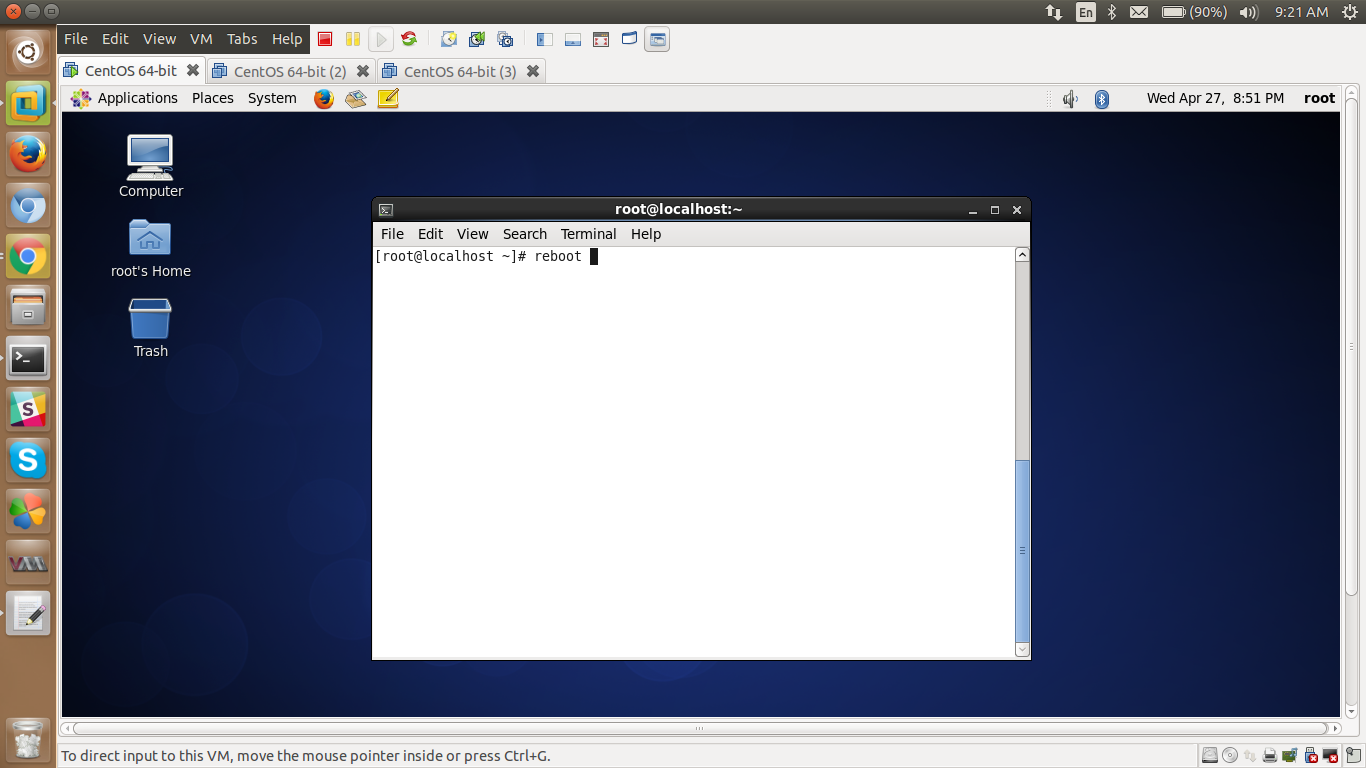
Enter the grub password as per ur requirement,different from root password.
Try using root password,you will not be able to access
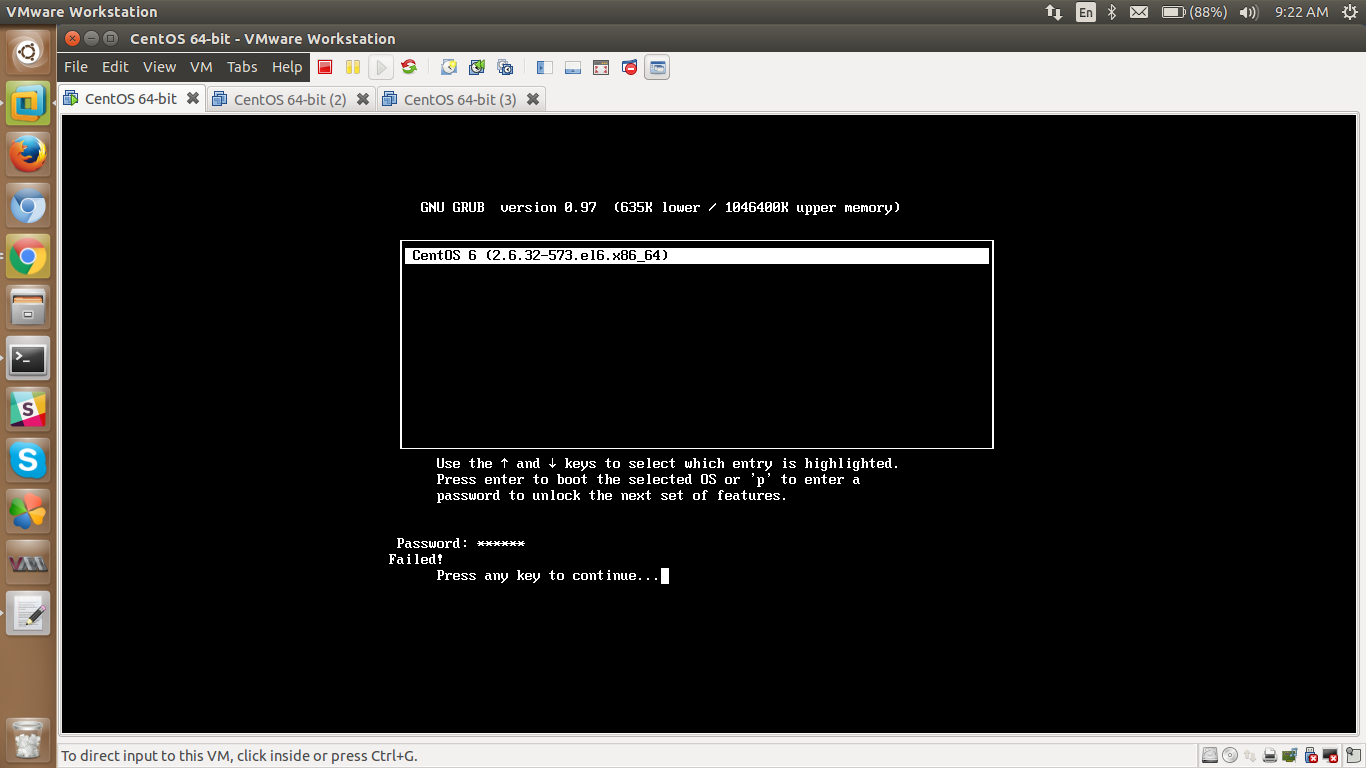
you can not get access for grub
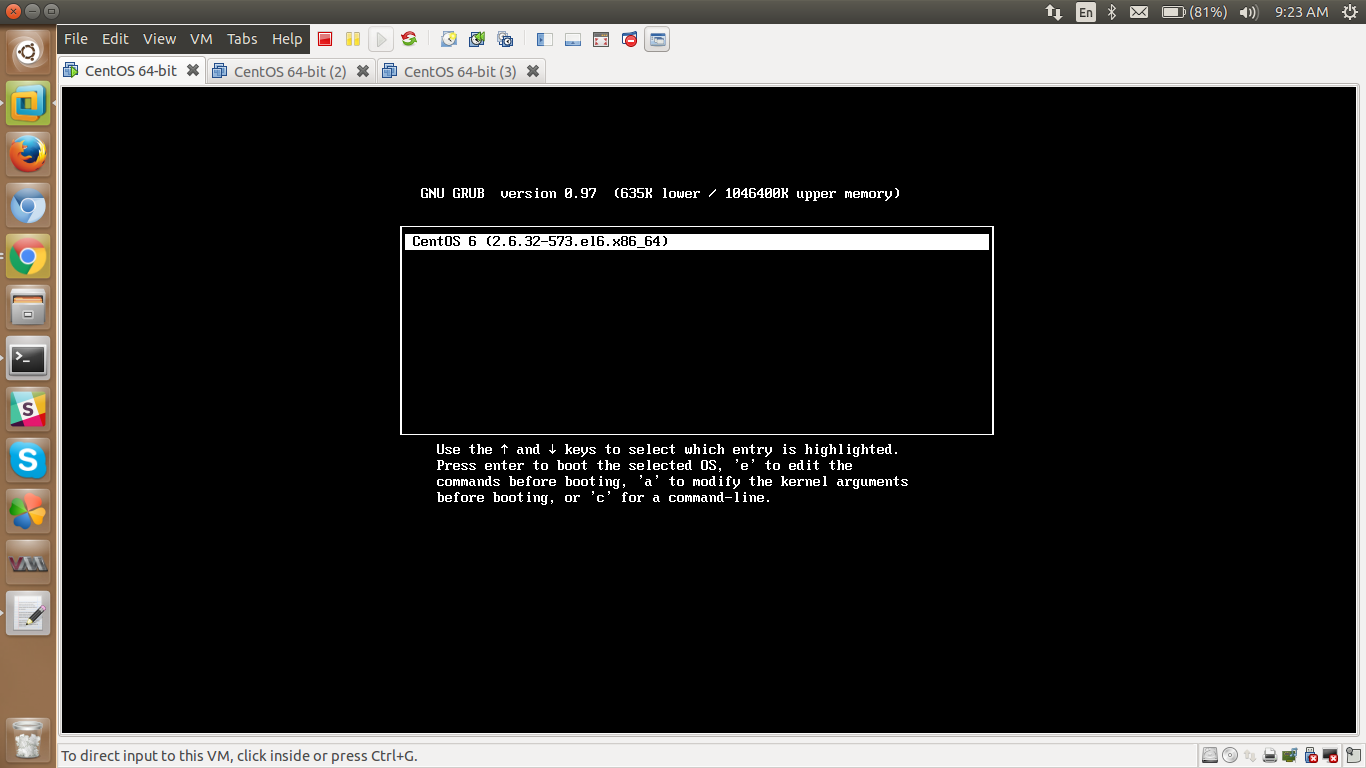
And now u can edit parameters as per the requirement