
Creating New User,& modifying admin users
Go to settings on top right which is with gear symbol
Click on ORGANIZATIONS
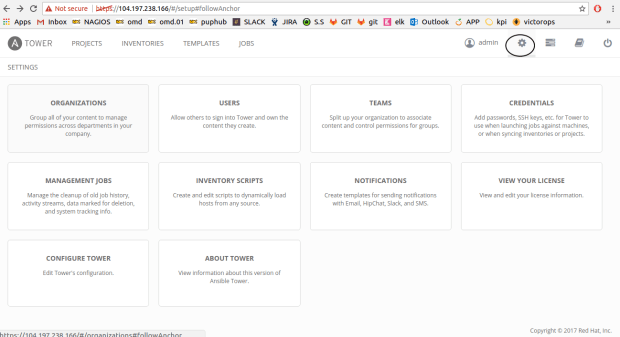
Select Users tab
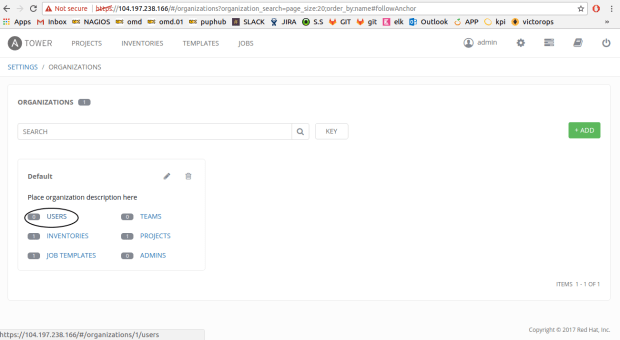
Select +ADD tab on right side
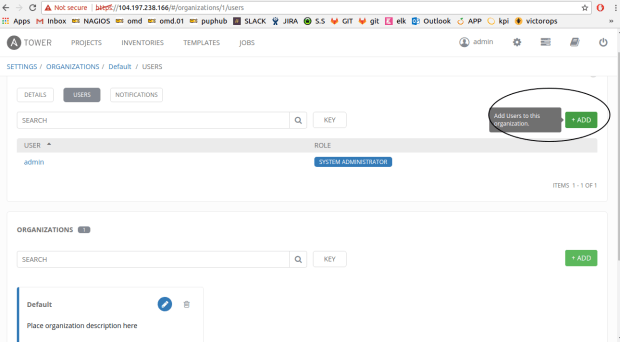
Click on admin user
add extra details and then save
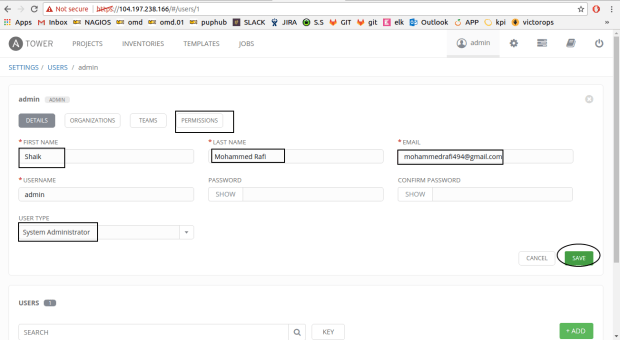
Check permissions on same window
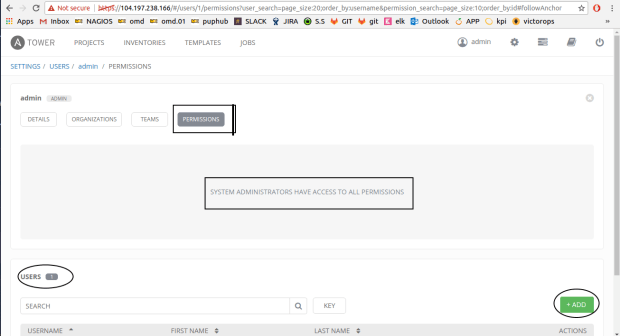
SYSTEM ADMINISTRATORS HAVE ACCESS TO ALL PERMISSIONS
Create normal user
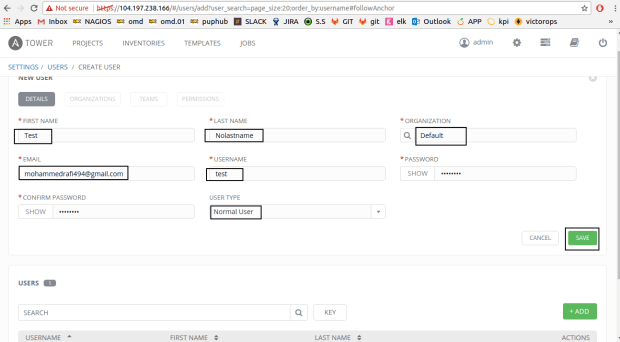
Create a new user
click on +add & add fields and save
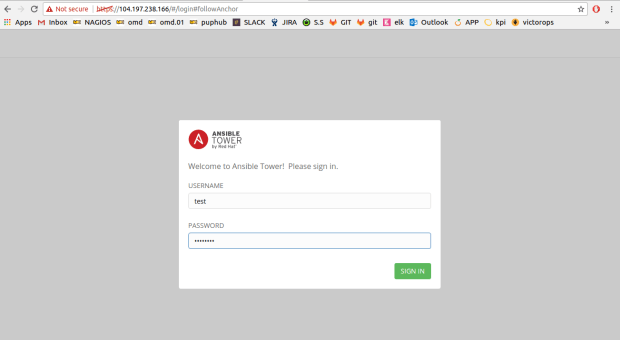
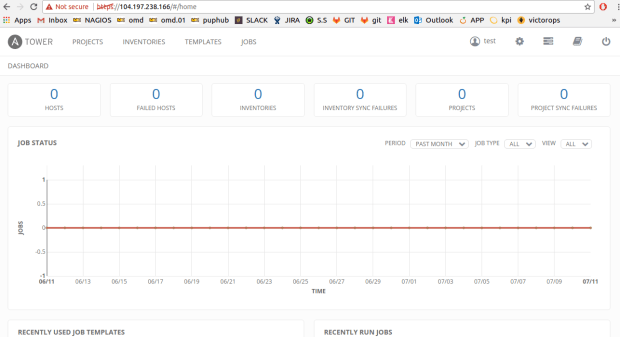
Logout and login as test user for validation
Adding Credentials to test user
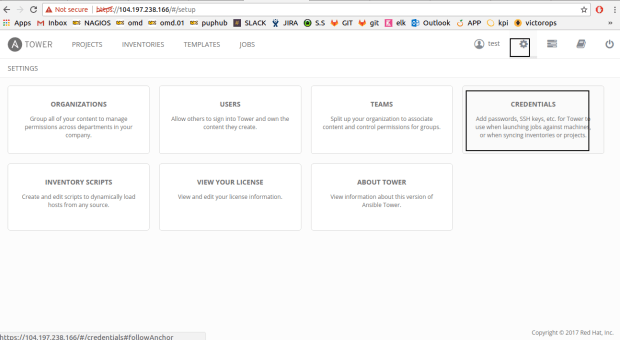
Click on +add
Fill name & choose type as Machine
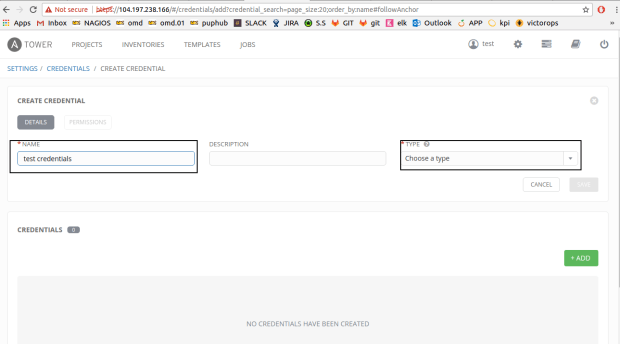
Adding Credentials to test user
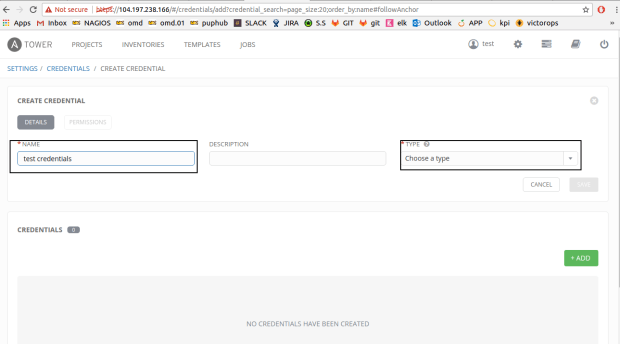
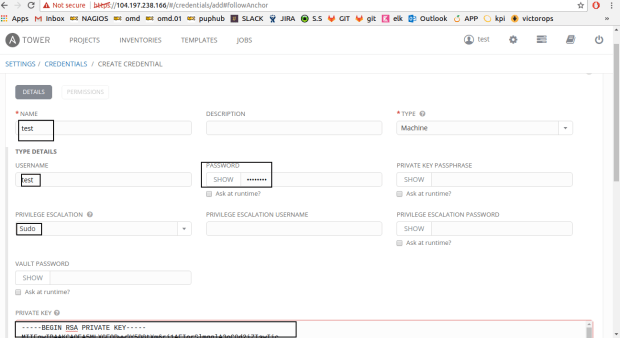
logging out as test user and logging in as admin
Click on projects
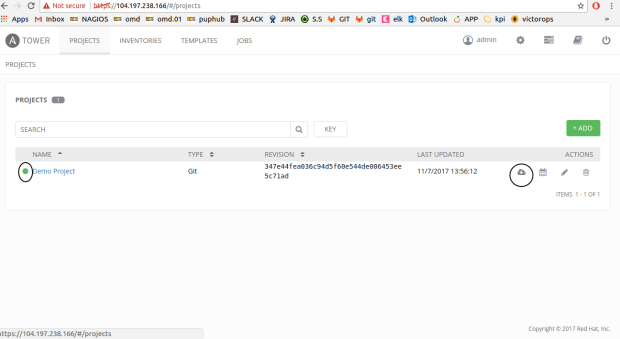
Click on start scm update
clikon demo project(sucess!)
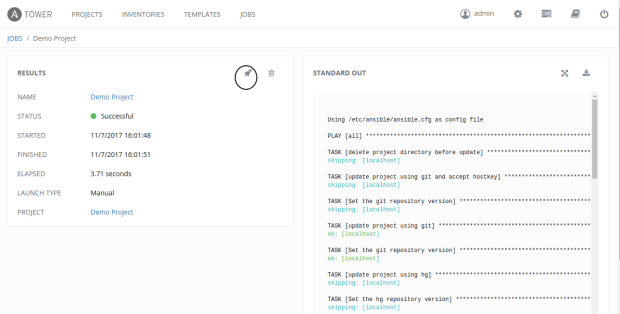
U can edit the project at any point of time
Go to home page
Select template tab
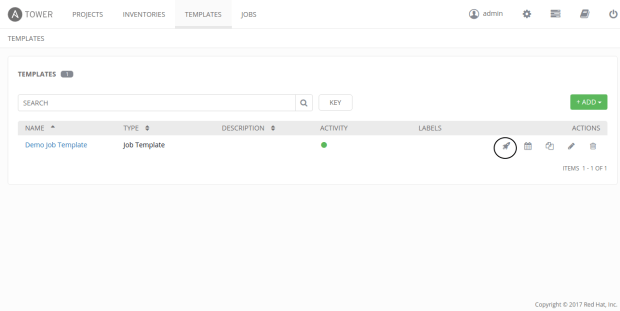
click on `Demo Job Template`
start the job click cliking rocket icon
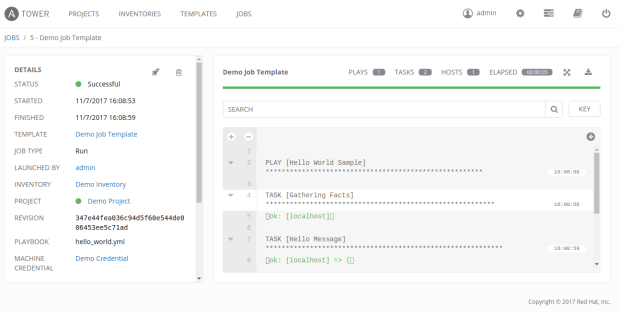
Click on jobs tab
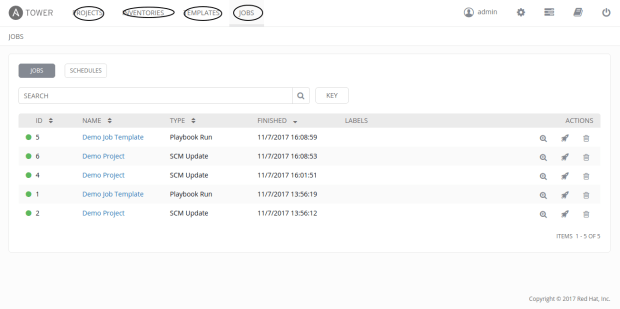
Select Inventories
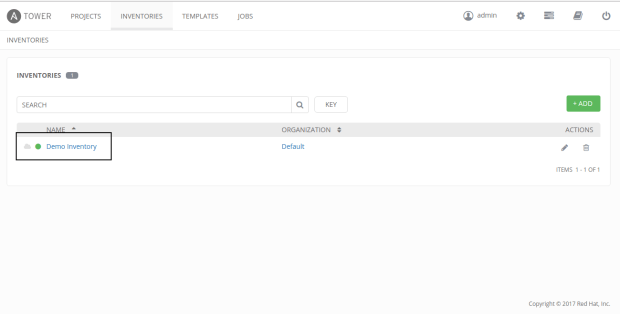
Demo Inventory
Adding host to inventory
Come to home page
Click on Inventories
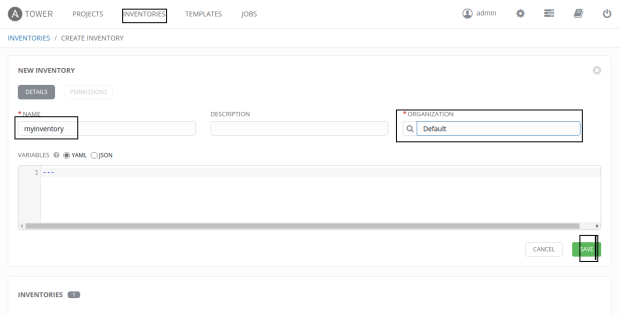
Add New Inventory
ex:myinventory and save it
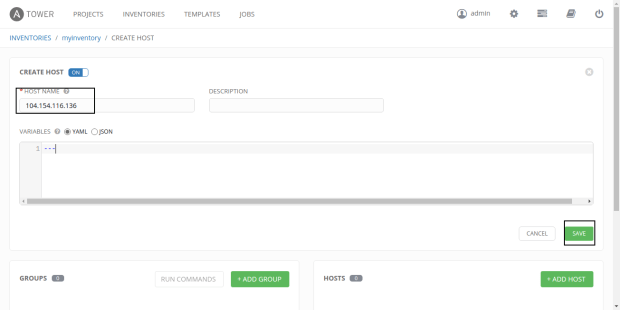
Add host
ex:104.154.116.136
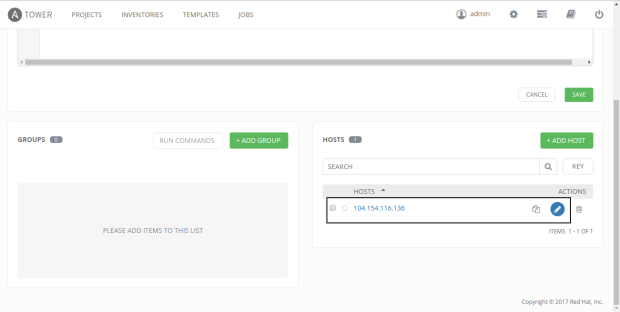
add group
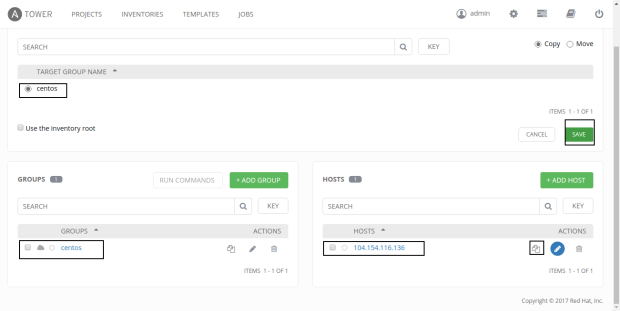
move or copy node to new group(centos)
click on edit option for node and check centos box and then move/copy ans save
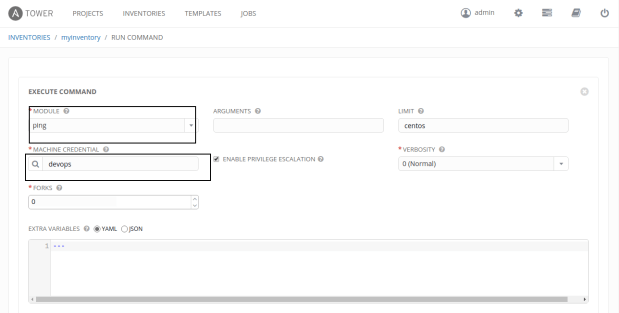
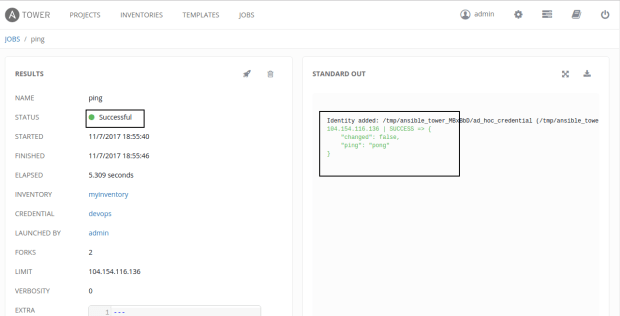
Check running with command on centos group by checking centos group and select RUN COMMANDS option
EX:ping module
click on launch

 linuxmadeeasy
What ?
LikeLiked by 1 person